If I were buying a used car in the UAE today, I would never rely on one report alone. I would check EVG, RTA records, and the 17-character VIN/chassis number before paying even AED 1 as a deposit.
Here’s the short version:
EVG shows accident and registration data, mainly outside Dubai, and the basic accident check is often free.
RTA shows Dubai vehicle history, inspection results, mileage at renewals, fines, and sometimes finance or commercial-use records.
VIN and chassis checks help me confirm the car is the same one shown on the Mulkiya, listing, and seller’s ID.
A “clean” report does not mean the car is problem-free. Private repairs, unreported damage, and flood issues may still be missing.
In many UAE cases, fines stay linked to the vehicle, and an active bank loan can block transfer.
Mileage matters: many UAE cars do around 15,000 to 25,000 km a year. So if a 4- to 5-year-old car shows under 30,000 km or over 100,000 km, I would check it more closely.
What I look for is simple:
Do the dates, mileage, owner history, accident notes, and VIN all tell the same story?
If the seller refuses to share the chassis number, if the Mulkiya name does not match the seller’s original Emirates ID, or if the car shows damage with no record, I would slow down or walk away.
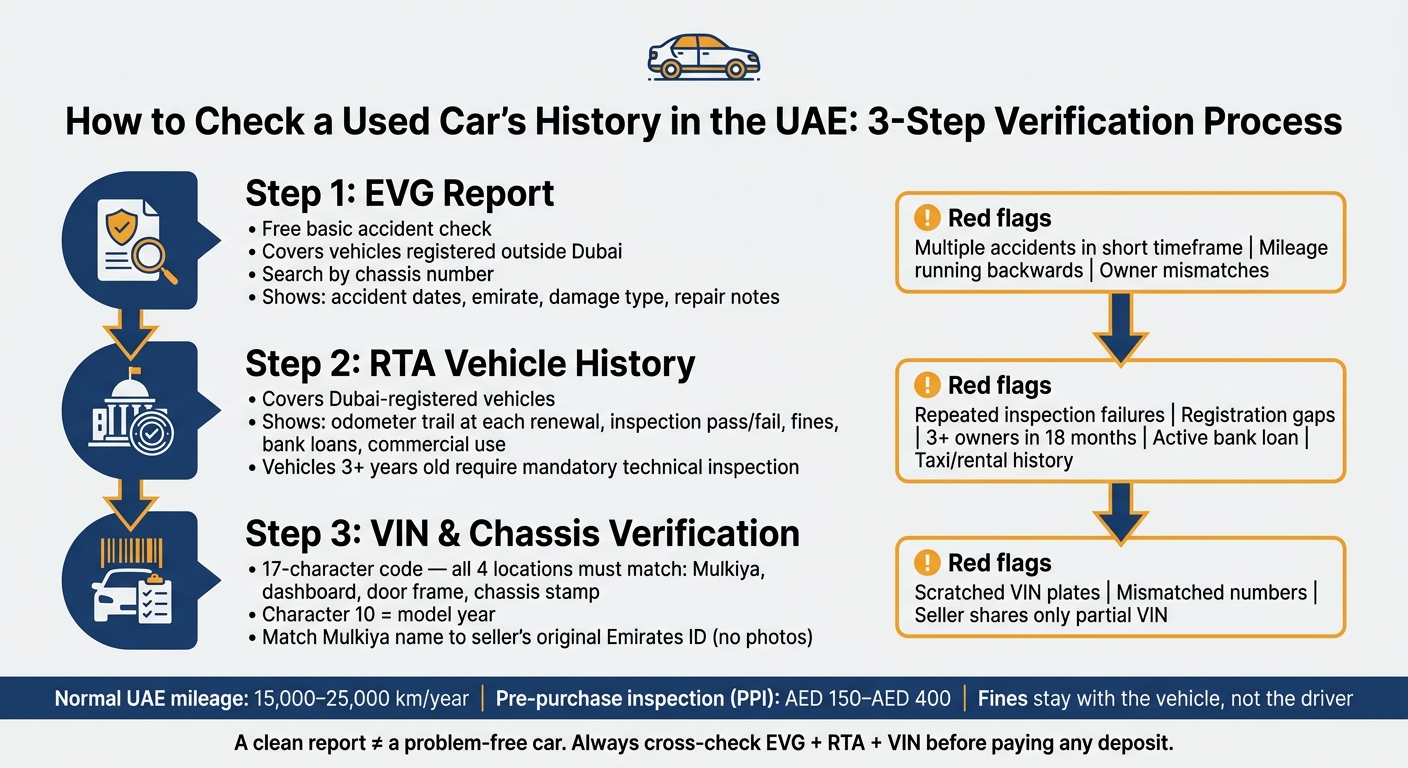
UAE Used Car History Check: 3-Step Verification Process
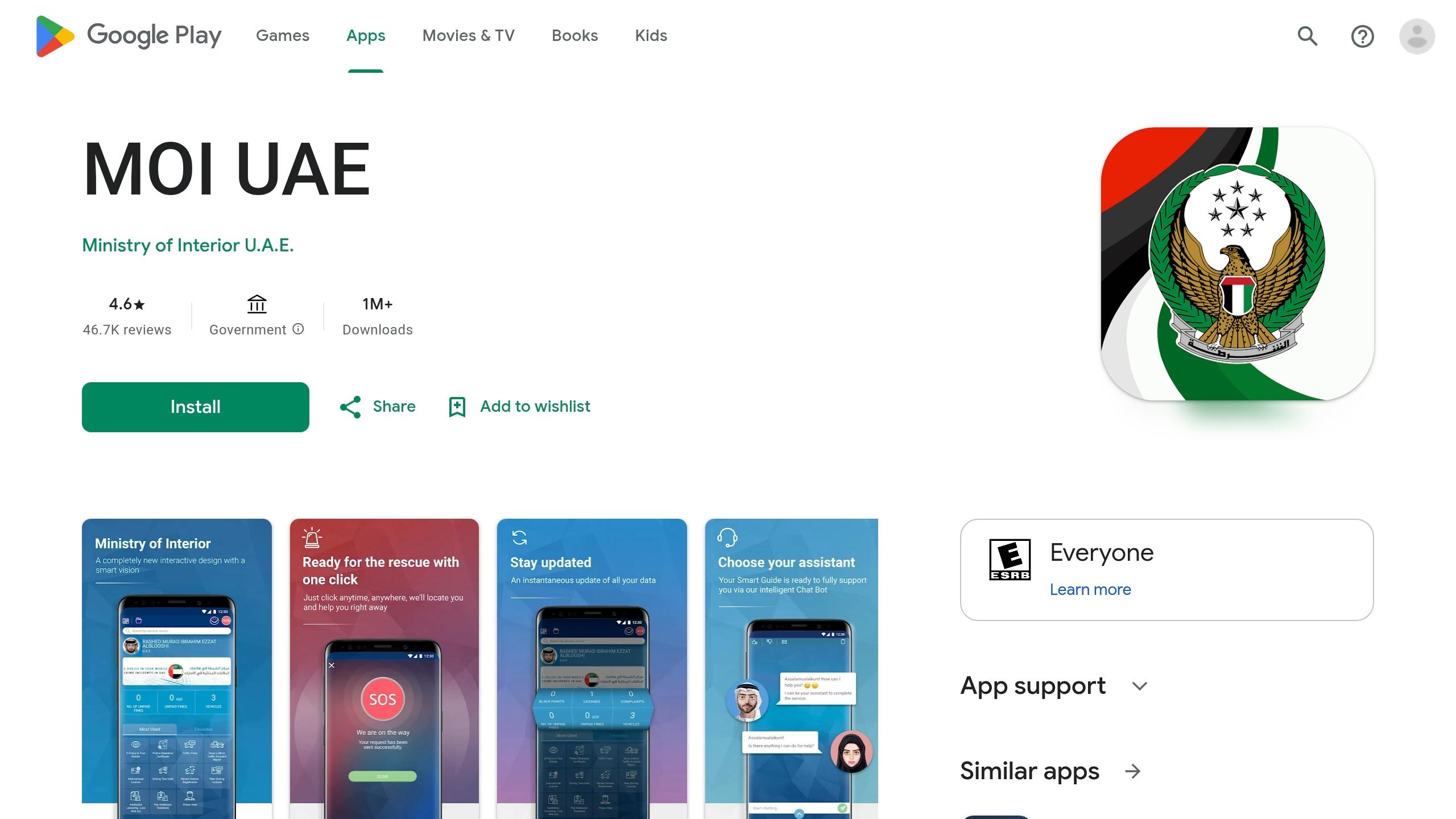
How to Check Car Accident History in UAE in 1 Minute (2026 Guide) | MOI
Quick comparison
Check | What I get | What I watch for |
|---|---|---|
EVG | Accident dates, emirate data, some repair notes, registration clues | Repeat accidents, mileage that runs backwards, owner mismatches |
RTA | Dubai inspection history, odometer trail, fines, transfer history, technical status | Repeated test failures, registration gaps, many owners, active finance |
VIN / Chassis | Proof the car and documents match | Different numbers, scratched plates, wrong model year, odd fonts |
PPI | Workshop check of mechanical and body condition | Hidden faults, poor repairs, suspension or AC issues |
I see this process as a simple three-step filter: check the records, match the VIN, then inspect the car. That one habit can save me from unpaid fines, mileage rollback, hidden damage, and a car I cannot legally transfer.
How to read Emirates Vehicle Gate records
Emirates Vehicle Gate (EVG) is the UAE’s main accident and registration record portal for cars registered outside Dubai. The basic accident history check is free. Start with the chassis number, then search the accident record.
How to search EVG by chassis number
Use the chassis number from the car and the Mulkiya before you search. Then go to the EVG portal, open Traffic Accidents Management, and enter the chassis number. The results can show reported accidents, dates, the emirate where each incident happened, and any repair notes linked to that chassis number.
If the chassis number on the car doesn’t match the Mulkiya, treat that as a red flag.
Write down each accident date so you can compare it with the RTA record in the next step. After that, read the timeline closely. You’re not just checking whether an accident happened. You’re checking for repeat incidents and mileage that doesn’t add up.
How to read accident dates, repair entries, and emirate data
Each EVG record shows the accident date, the emirate where it happened, and the damage type and repair notes. Don’t skim the dates and move on. Read the full timeline for repeat damage. If you see multiple events in a short period, that often points to repeated damage or poor repair work.
The emirate listed on each record matters too. If the history spans more than one emirate, read those entries together and make sure the sequence still makes sense.
Mileage is another point worth checking. Compare the mileage recorded at the time of the accident with the current odometer reading. If the accident record shows a higher mileage than the car shows today, that may point to odometer rollback or a data mismatch. Either way, it deserves a closer look.
EVG red flags buyers should not ignore
EVG only shows reported incidents. That means unreported damage, private repairs, and flood history may still exist. So a clean report is helpful, but it isn’t proof.
Use this table as a quick sense-check:
Clean EVG Record | Risk Indicators in EVG |
|---|---|
No reported accidents for the chassis number | Multiple accidents reported within a short timeframe |
Consistent ownership and registration history | Frequent ownership changes or owner-data mismatches |
No outstanding traffic fines | High volume of unpaid fines |
Accident mileage aligns with the current odometer | Accident recorded at a higher mileage than currently shown |
Matches the seller's accident-free description | Physical signs of repair (paint mismatch, uneven panel gaps) with no EVG entry |
If EVG shows structural or chassis damage, or you can see bodywork that has no matching record, book a pre-purchase inspection (PPI) before you go any further. In the UAE, independent workshops usually charge AED 150 to AED 300 for this.
For Dubai-registered cars, the next check is the RTA record, which confirms technical status and inspection results.
How to read RTA vehicle history and technical status reports
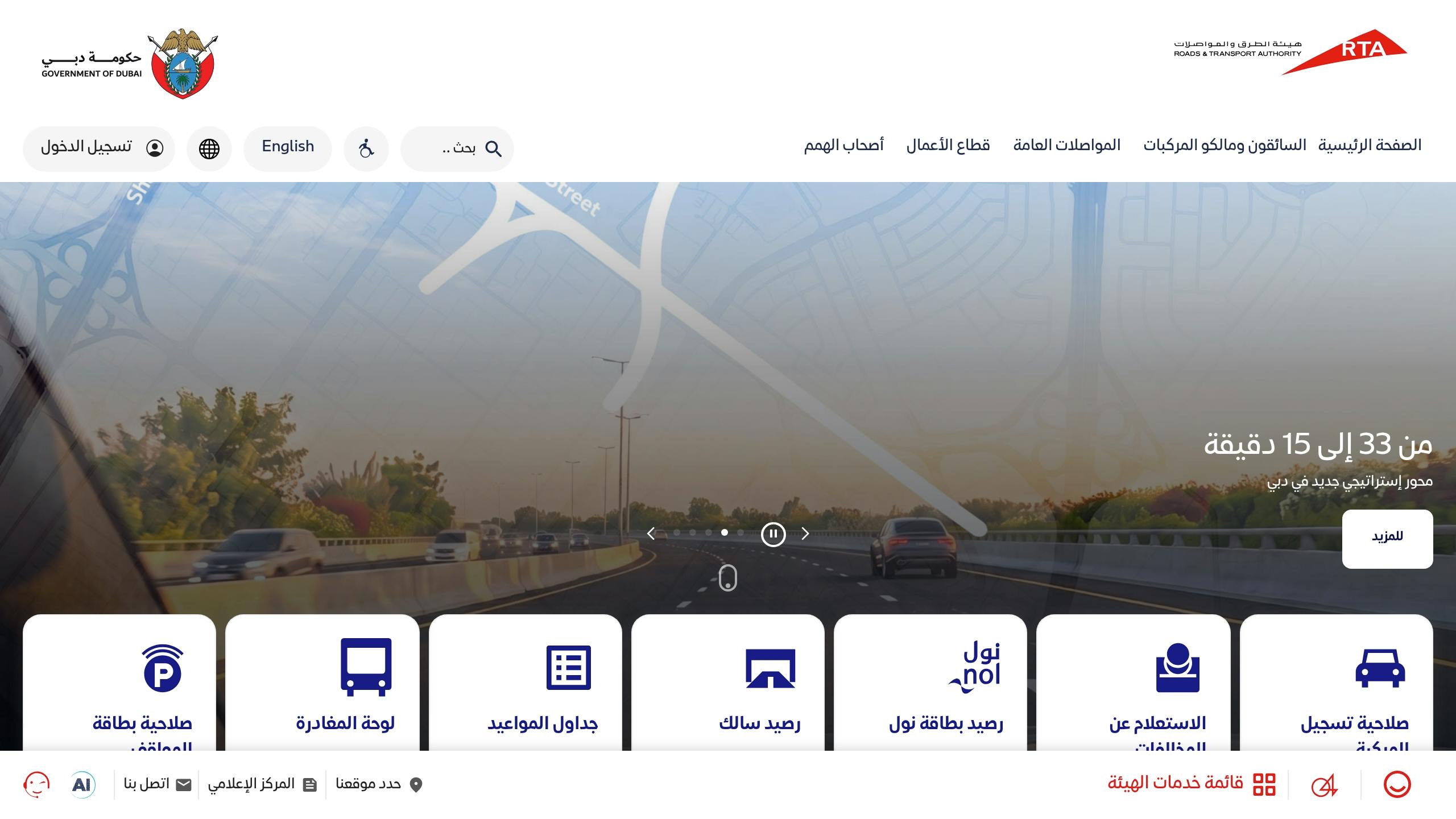
For Dubai-registered vehicles, the RTA report gives you a legal and roadworthiness record before you hand over any money. EVG helps you see incident history across the UAE. The RTA report adds the Dubai-side record and the car’s roadworthiness status in one place.
What the RTA Vehicle History Report includes
The report usually covers accident history, ownership history, current fine status, outstanding bank loans, and commercial use, such as taxi or rental. If a car was used for commercial work, treat that as a wear-and-tear flag. Then check it alongside mileage and inspection results.
One of the most useful parts is the mileage trail. The RTA records the odometer reading at each annual registration renewal, so you can trace how many kilometres the car covered year by year. A normal pattern looks steady. If the numbers level off, drop, or suddenly jump, pause there. Ask the seller to explain it, then compare those figures with wear on the pedals and steering wheel. Inspection results also record the odometer reading at testing, which can help spot possible mileage tampering. Put that trail next to the EVG record and see if the mileage story and accident history line up.
How to read technical status and inspection results
Vehicles older than three years must pass a mandatory RTA technical inspection before registration or transfer. The inspection checks brakes, steering, tyres, emissions, lights, and chassis condition. A "Pass" result means the car met the minimum roadworthiness standard on that date - nothing more.
That’s why the pattern matters more than the final stamp. If the same item fails again and again, like brakes or emissions, that points to delayed maintenance rather than proper care. In plain terms, it can mean the owner fixed just enough to get the car through the test, while the root issue may still be there.
Skipping a PPI can make a cheap car feel expensive overnight. An independent pre-purchase inspection (PPI) can give you a deeper mechanical view, including OBD scans and suspension checks, for AED 150 to AED 400.
RTA warning patterns that need further investigation
Frequent transfers, registration gaps, and repeated failures usually call for a closer look. Registration gaps may point to inactivity or time spent off the road after damage. Fines are another detail many buyers miss. In the UAE, traffic fines are attached to the vehicle, not the driver. So if ownership is transferred before the seller clears them, those fines become yours. Check the plate number on the RTA portal or in the Dubai Drive app before you head to the transfer centre.
Feature | Healthy RTA History | Possible Risk Indicators in RTA Data |
|---|---|---|
Inspection results | Consistent "Pass" on first attempts | Repeated failures for brakes, tyres, or emissions |
Ownership history | Single owner or long-term ownership periods | Frequent transfers, such as 3 owners in 18 months |
Registration | Continuous annual renewals | Long gaps in registration history |
Mileage records | Steady annual increases | Inconsistent jumps, plateaus, or signs of rollback |
Fines and finance | Zero outstanding fines, no active bank loan | Multiple unpaid fines or unresolved bank finance |
Commercial use | Private ownership throughout | History of commercial use, such as taxi or rental |
If the RTA report shows any of the risk indicators above - especially chassis repair notes, commercial use history, or repeated inspection failures - don’t rely on the report alone. Book a PPI before moving ahead. If the RTA data still leaves gaps, verify the car's identity with the VIN and chassis code next.
How to decode chassis and VIN codes
After EVG and RTA, confirm the car’s identity on the vehicle itself. If the report details line up, move to the physical VIN on the car.
Where to find the VIN on the car and its documents
Check the Mulkiya, dashboard, driver-side door frame, and chassis stamp. All four must match exactly. If a seller drags their feet or won’t share the VIN before you even see the car, treat that as a red flag.
Once those four locations match, decode the full 17-character code.
What the VIN structure tells you
A VIN has 17 characters. Each part tells you something specific:
Characters 1–3 identify the maker and country
Characters 4–8 show the vehicle type
Character 9 is the check digit
Character 10 shows the model year
Character 11 shows the assembly plant
Characters 12–17 are the serial number
Character 10 matters a lot. It shows the model year and can expose listings that overstate the car’s year.
Mismatch signs that may point to tampering or incorrect listing data
If the code looks altered, stop and verify it before paying anything. Watch for scratched VIN areas, re-riveted plates, odd fonts, or any mismatch between the dashboard, door frame, and paperwork. Small details like these can point to undisclosed major accidents, grey-market imports, or odometer tampering.
Verification Point | Expected Match | Potential Red Flag |
|---|---|---|
VIN location | Identical code on the Mulkiya, dashboard, door frame, and chassis stamp | Mismatched numbers between documents and the car |
Code structure | Full 17-character VIN provided by the seller; character 10 matches the listed model year | Seller shares only part of the chassis number, or the VIN decodes to a different year or engine type |
Document alignment | Mulkiya name matches the seller's original Emirates ID exactly | Mulkiya is in a different name, or the seller only shows a photo of the ID |
Before paying a deposit, match the Mulkiya name to the seller’s original Emirates ID. Don’t accept ID photos.
How to cross-check the report with a YallaMotor listing before you buy
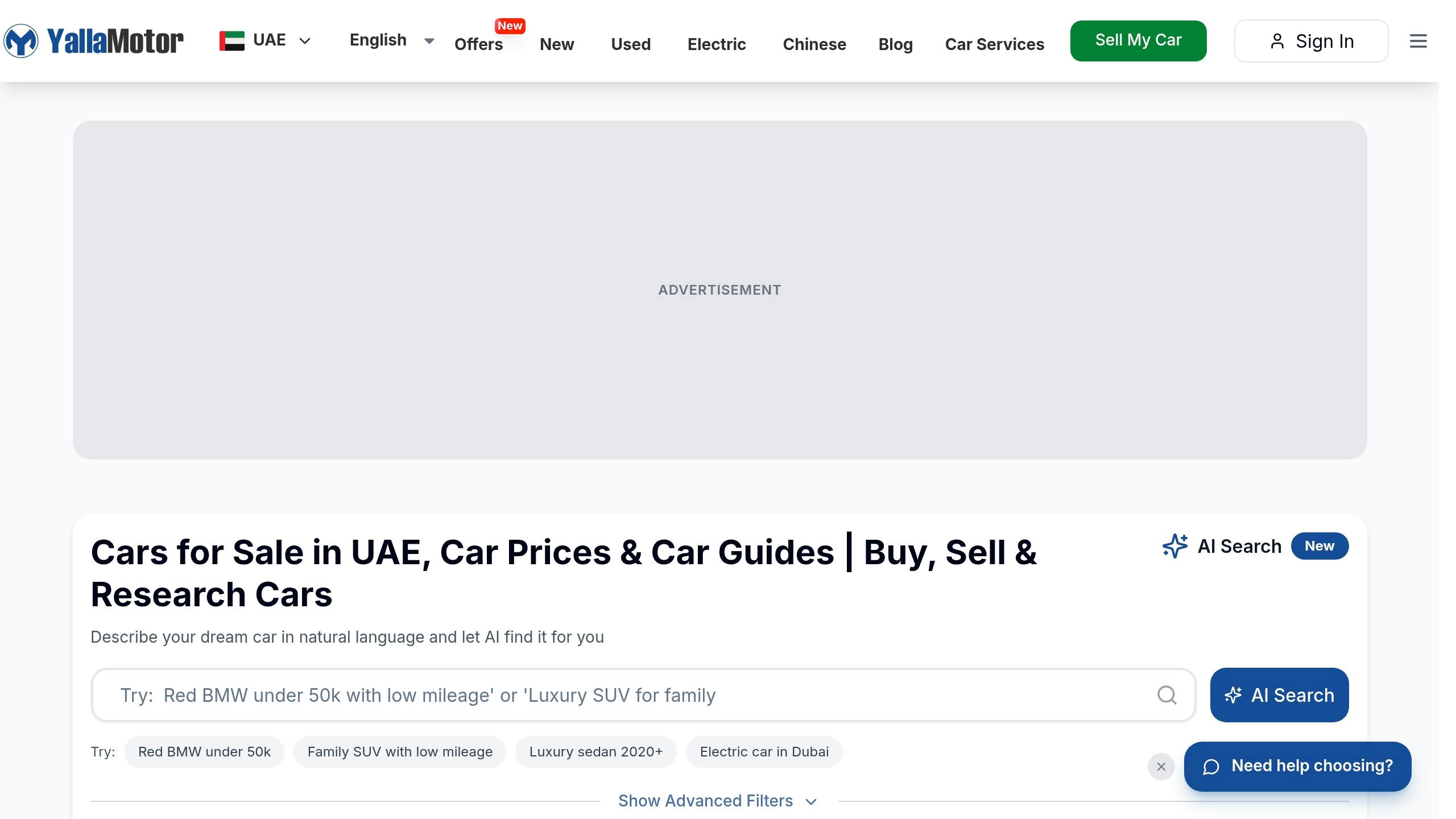
Match mileage, accident history, and ownership claims point by point
After you check EVG, RTA, and the VIN, use the listing as a simple fact test. The goal is plain: see if the seller’s story still matches the records.
Start with mileage. Compare the number in the listing with the RTA odometer trail, then look at the car itself. Worn pedals, a shiny steering wheel, or tired seat bolsters can tell a very different story.
Then check ownership. If the listing says "single owner," the RTA history should not show multiple transfers. Also, make sure the seller’s name matches the Mulkiya.
If one of those claims falls apart, stop treating it like a trust check and start treating it like a pricing and inspection issue.
Use YallaMotor tools when official records conflict
When official records don’t line up with the listing, YallaMotor’s vehicle report, valuation, and inspection tools can help you decide if the asking price still adds up.
Here’s a common example: if EVG shows repair entries but the seller calls the car "accident-free," a valuation check gives you a clearer view of the price effect.
And if the records still don’t explain the car’s condition, don’t guess. Hidden fault codes, AC trouble, or suspension wear can stay out of sight until after payment. In that case, book a pre-purchase inspection (PPI) before paying any deposit. A PPI usually costs AED 150 to AED 400, which is a small hit compared with fixing hidden faults later.
Conclusion: Three checks that lower used-car risk
Read EVG for accident clues. Read RTA records for ownership and technical status. Then match the VIN or chassis number across the listing, the car, and the Mulkiya. Put together, these checks cover gaps that one source alone can miss.
Use this final cross-check before paying a deposit:
Check Point | YallaMotor Listing | RTA Data | EVG Records | VIN/Chassis Check |
|---|---|---|---|---|
Mileage | Stated odometer reading | Odometer at last inspection | Inspection timeline consistency | Physical wear on pedals and steering wheel |
Accidents | "Accident-free" claim | Technical inspection pass/fail | Repair entries and accident dates | OBD scan for active fault codes |
Owners | "Single owner" claim | Number of previous owners | Ownership history | Mulkiya name matches seller's Emirates ID |
Technical status | "Perfect condition" | Inspection pass/fail history | Damage or repair flags | OBD scan for active fault codes |
Use it as your last checklist before you decide:
If everything matches, you can move ahead with more confidence.
If a few details don’t match, use the records to negotiate.
If the seller refuses an inspection, the VIN is inconsistent, or the Emirates ID does not match the Mulkiya, walk away.
FAQs
Which check should I do first?
First, verify the vehicle identification number (VIN) or chassis number. Match it against the registration card (Mulkiya) so you know you're checking the right car.
Then run a digital history check through official sources such as EVG, MOI, or RTA. This can show accident history, flood damage, or title issues before you spend more time on the car.
Can a clean report still hide serious issues?
Yes. A report can look clean and still hide major issues.
That’s because RTA and Emirates Vehicle Gate records only show reported accidents. If damage was never reported, fixed privately, or simply not added to official records, it may not show up at all.
A clean history also doesn’t tell you how the car is running today. It won’t confirm the state of the engine, gearbox, suspension, brakes, or other key parts.
That’s why an independent pre-purchase inspection still matters. Think of the history report as one piece of the puzzle, not the full picture.
What should I do if the VIN or mileage does not match?
Treat it as a serious red flag. Check the odometer reading against past inspection certificates, stamped service records, and the official RTA or Emirates Vehicle Gate history.
Then look at the car itself. If the mileage seems low but the wear tells a different story, that’s a warning sign. Watch for things like:
worn pedal rubbers
a shiny steering wheel
faded seat bolsters
Mileage is not officially verified until the transfer goes through, so arrange an independent pre-purchase inspection.