You can check most Sharjah vehicle fines online in minutes, 24/7, and pay in AED by card. I’d start with the portal that matches the fine type: Sharjah Police for police traffic fines, MOI UAE for UAE-wide traffic records, SRTA for transport-related fines, and Sharjah Municipality for parking fines.
Here’s the short version:
I use Sharjah Police if the fine is a road traffic offence
I use MOI UAE if I want to check Sharjah fines through the federal system
I use SRTA for taxi, bus, permit, or commercial transport violations
I use Sharjah Municipality for parking and municipal vehicle fines
I keep my plate number, traffic file number, licence number, or Emirates ID ready
After payment, I save the receipt and check again after 15 to 30 minutes
More than 1 official online channel may show the same police fine, but parking and transport fines often sit in their own system. So if a fine does not appear in one place, that does not always mean it is cleared.
Quick Comparison
Portal | Best for | What I usually need | Payment note |
|---|---|---|---|
Sharjah Police | Traffic offences in Sharjah | Plate number, TC No., licence number, or chassis number | Card payment |
MOI UAE | Traffic fines across the UAE, including Sharjah | UAE Pass, TC No., Emirates ID, plate number, or licence number | Card payment |
SRTA | Transport and permit-related violations | Permit number, plate details, or company reference | May pay there or via a linked service |
Sharjah Municipality | Parking fines in Sharjah city | Plate number, emirate, and vehicle category | Card, Apple Pay, Google Pay, Samsung Pay |
If I want the least back-and-forth, I match the fine notice to the issuing authority first, then pay through that same official channel.
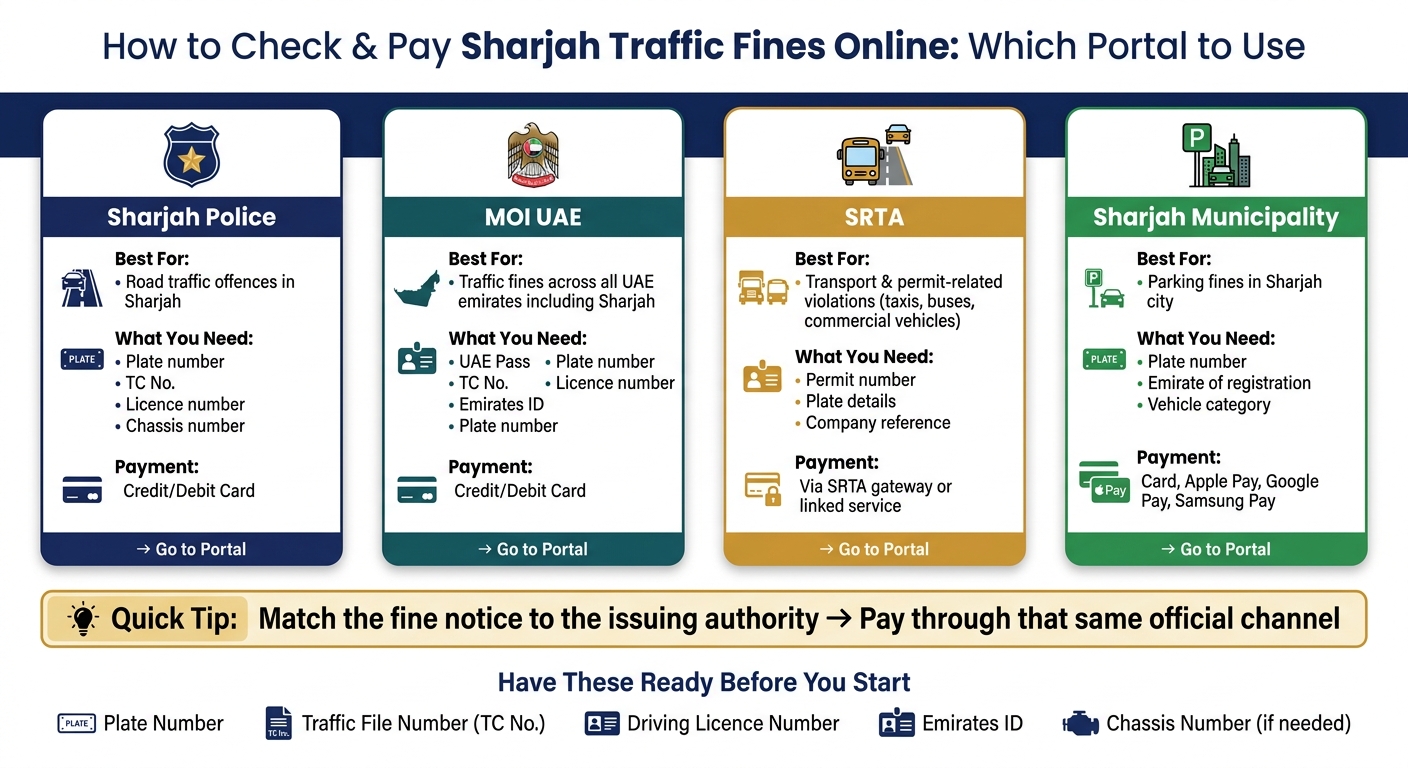
How to Check & Pay Sharjah Traffic Fines Online: Which Portal to Use
Guide: How to Check, Pay, or Dispute Sharjah Traffic Fines
What you need before you start
Before you open Sharjah Police, MOI UAE, SRTA, or Sharjah Municipality, get your details in front of you first. It saves time and makes the whole process smoother, so you can search for the fine and pay it in one go.
Required identifiers and account access
Each portal asks for different search details. So the safest move is to keep more than one identifier ready. In most cases, you'll need your plate number, Traffic File Number (TC No.), licence number, and Emirates ID. Some portals may also ask for the chassis number to pull up the record.
It also helps to have UAE Pass ready. Sharjah Police and MOI UAE use it to pull up your traffic profile faster.
Payment methods and basic checks
Sharjah fine payments are made in AED. You can pay using a credit card or debit card. Sharjah Municipality's Tasheel system also accepts Apple Pay, Google Pay, and Samsung Pay.
Before you start, make sure your card works for online payments and has enough balance or limit to cover the fine amount. Most UAE payment gateways will send an OTP to your registered mobile number, so keep that phone nearby and active.
Where to find each detail
Required detail | Where to find it |
|---|---|
Plate number | Front and rear of the vehicle; front of the Mulkiya |
Traffic File Number (TC No.) | On the Mulkiya or the back of your driving licence |
Licence number | Front of your UAE driving licence |
Emirates ID number | Front of your Emirates ID card |
Chassis number | On the vehicle registration card (Mulkiya) or the vehicle's dashboard/door frame |
Once you have these details ready, you can check and pay the fine on the official portal that matches your violation.
How to check and pay fines on each official Sharjah channel
Once you have your vehicle or licence details ready, the next step is simple: use the official channel that matches the type of fine.
Sharjah Police: search by plate number, traffic file number, or licence details
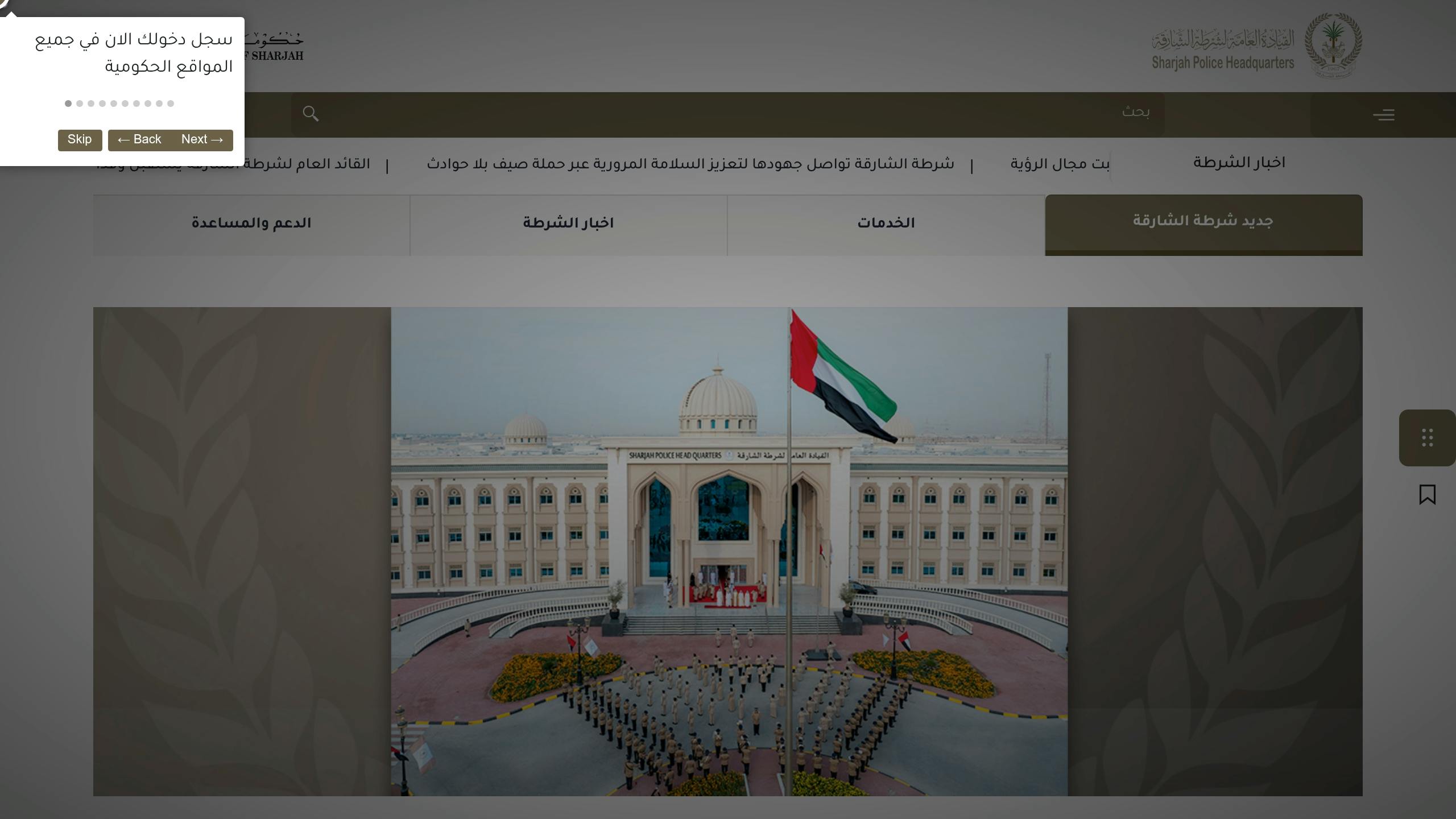
On the Sharjah Police website, go to Traffic and Licensing Services > Traffic Fines and open the inquiry form.
You only need one identifier to run a search. That can be your Traffic File Number (TC No.), plate number, driving licence number, or chassis number. The portal will show any pending fines linked to that record, along with the violation details, date, time, location, and the amount in AED.
If you're using the Sharjah Police app, open Traffic and Licensing Services, choose Traffic Fines, tap Access Service, enter your identifier, and then tap Show Fines. If any fines appear, you can move straight to payment there.
If nothing shows up on Sharjah Police, don’t stop there. Check the federal MOI UAE portal next.
MOI UAE: check and pay Sharjah fines through the federal portal or app
The MOI UAE website and app let you view fines from all emirates, including Sharjah, in one place. Sign in with UAE Pass, then go to Traffic Services and choose Traffic Fine Payment.
You can search in a few ways, depending on what you have on hand:
Traffic File Number (TC No.) or Emirates ID for grouped records
Plate number for a single vehicle
Driving licence number for fines linked to the driver
After that, select the fine, pay by card, and save the receipt for your records.
For fines that were not issued by police, use the portal of the authority named on the notice.
SRTA and Sharjah Municipality: when to use these portals
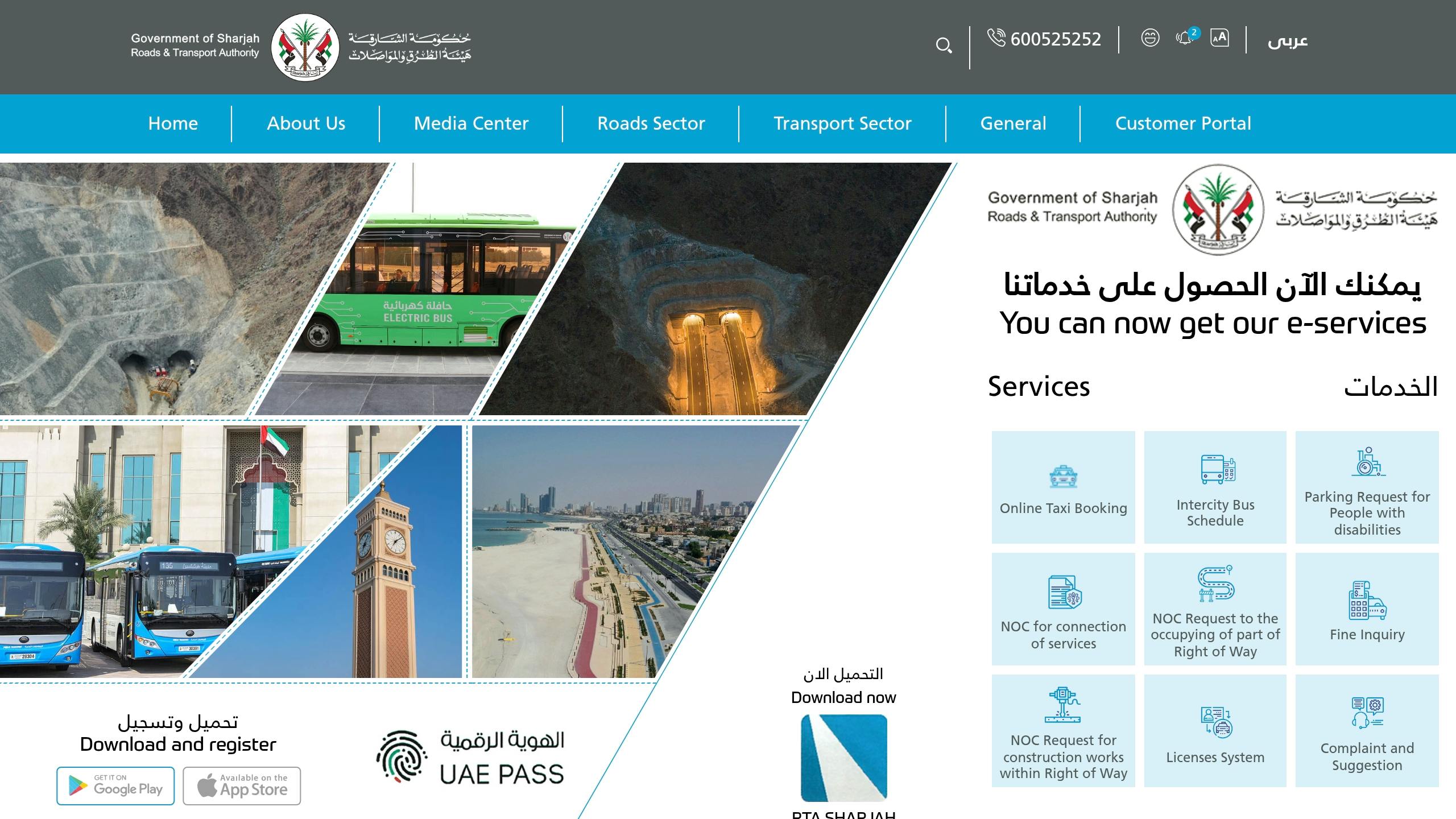
Use SRTA Fine Inquiry for transport-related fines linked to permits, taxis, buses, or commercial vehicles. In the portal, choose the right service category and enter the permit number, plate details, or company reference listed on the notice. You may be able to pay through the SRTA gateway, or the system may send you to another linked official service.
Use Sharjah Municipality's parking fines portal if the ticket says Sharjah Municipality issued the fine. This usually applies to parking offences like overstaying in a paid parking zone or parking in a prohibited area. Enter your plate number, the emirate of registration, and the vehicle category such as private, company, or rental, then click Search. If a fine appears, add your contact details and pay by card.
After payment: confirm clearance and handle common issues
Save the receipt and confirm the fine is cleared
Once your payment is approved, download the receipt or take a screenshot straight away. The receipt should show the transaction reference, plate number or traffic file number, the amount paid in AED, and the payment time in UAE time. Store it in a secure digital folder so it’s easy to find later.
After that, go back to the same portal and check whether the fine status has changed. Wait 15 to 30 minutes, then check again. If the fine no longer shows up, or the status reads "Paid" or "Cleared," that part is done. It’s also smart to check the other official portal once the payment has posted.
What to do if payment fails or the fine still appears
If the payment doesn’t go through, don’t submit it again right away. First, check your bank app. A pending charge can mean the payment was processed even if the portal didn’t update yet. If nothing appears after 15 to 30 minutes and the portal is still not working, use another official channel instead, such as the MOI UAE app if the Sharjah Police site is not responding, or the other way around.
Here’s how to deal with the most common issues:
Payment failed: Check your bank app before trying again. If no charge appears after 15 to 30 minutes, try another card or use a different official channel.
Fine still appears after 24 hours: Make sure the receipt is saved, then check both portals again. If the fine is still there after that, contact the issuing authority and share your receipt details.
Fine is locked or non-payable: This often means the violation includes black points or a court-related restriction. Sign in to the MOI UAE app with UAE Pass and follow the steps shown on screen, or contact the issuing authority directly.
For transport or parking violations, contact the SRTA Violations Section or Sharjah Municipality customer service instead. SRTA also lists a direct violations line at 065033333 if you need to follow up on a specific record.
Conclusion: the fastest way to clear Sharjah fines online
The fastest way to clear a Sharjah traffic fine online is pretty simple: use the right official channel, pay through the official portal or app, save the receipt, and then check that the fine status shows as cleared.
Start with the portal listed on the fine notice. If that isn't clear, MOI UAE is the broadest place to check. After the payment goes through, keep the receipt along with your transaction reference. If the fine still shows up, contact the issuing authority and share your receipt and transaction reference.
That helps keep the process quick, legal, and fully online.
FAQs
How do I know which Sharjah portal to use?
Use the official digital platforms run by Sharjah Police or the UAE Ministry of Interior (MOI). These are the authorised channels for checking traffic fines and making secure payments.
You can search using your plate details, traffic file number, or licence information. Stick to a government-affiliated platform so your payment goes through correctly and your traffic record is updated.
Can I pay a Sharjah fine without UAE Pass?
The available information does not confirm whether Sharjah traffic fines can be paid without a UAE Pass.
If this point matters in your case, check the official payment channel you plan to use and review its sign-in or payment requirements.
Why is my fine not showing after I search?
Your traffic fine may not show up right away. In many cases, there’s a short processing delay before the fine is added to the system.
It’s also worth checking the details you entered. A small mistake in your traffic file number, licence details, or plate number can stop the record from appearing.
If you’re sure a fine was issued but it still doesn’t appear after a reasonable time, contact the local traffic authorities to confirm it. Some violations take longer to show because they need extra administrative processing.