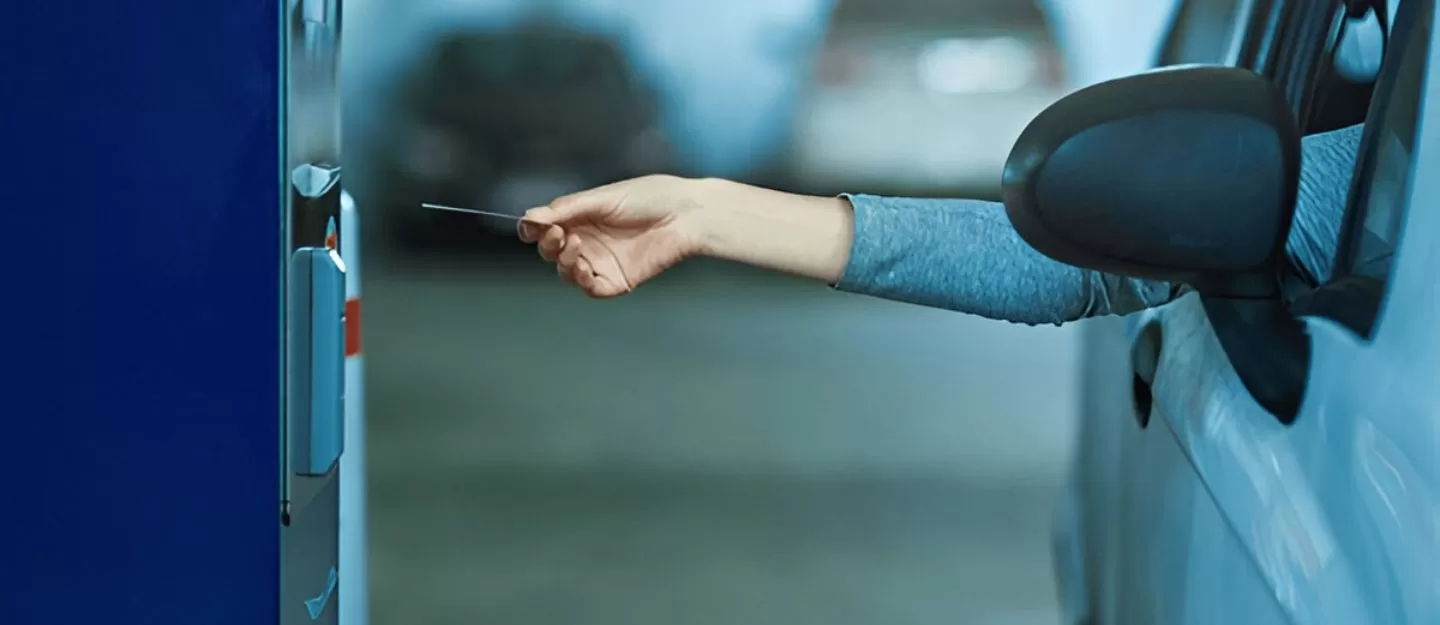
MAWAQiF is the official public parking management system in Abu Dhabi, designed to make parking easier, more organized, and accessible. It categorizes parking spaces by type, timing, and rate, yet the payment process is streamlined to be simple for everyone. Whether you’re a resident, commuter, or visitor, knowing the different ways to pay MAWAQiF fees in Abu Dhabi will help you avoid fines and enjoy hassle-free parking.
What Is MAWAQiF and How Does It Work?
MAWAQiF is a city-wide parking system managed by the Integrated Transport Centre (ITC) of Abu Dhabi. It covers all public parking areas and uses clear signage to indicate parking types—such as standard, premium, and seasonal zones—each with their own rates and rules. Payment is mandatory during designated hours, with free parking available on Fridays and certain public holidays.
- Standard parking zones: Typically AED 2 per hour
- Premium parking zones: Typically AED 3 per hour
- Free parking: Fridays and select holidays
How to Pay MAWAQiF Parking Fees in Abu Dhabi
There are several convenient ways to pay for MAWAQiF parking in Abu Dhabi, including mobile apps, on-street machines, rechargeable cards, SMS, and customer service centres. The payment method you choose depends on your preference, location, and available resources.
1. Customer Happiness Centres
You can pay your parking fees in person at Customer Happiness Centres across the emirate. This option is especially useful for visitors or those without access to digital payment methods.
- Visit the nearest Customer Happiness Centre.
- Provide your vehicle information to the representative.
- Pay using cash or card.
- Collect your payment receipt for proof.
2. DARB Mobile Application
The DARB app is a smart mobility platform offering various transport services in Abu Dhabi, including parking fee payments. It is available for both Android and iOS.
- Log in to the DARB app.
- Tap on “Pay for Parking.”
- Select the parking type and number of hours.
- Click “Pay” to confirm.
- The amount will be deducted from your in-app wallet.
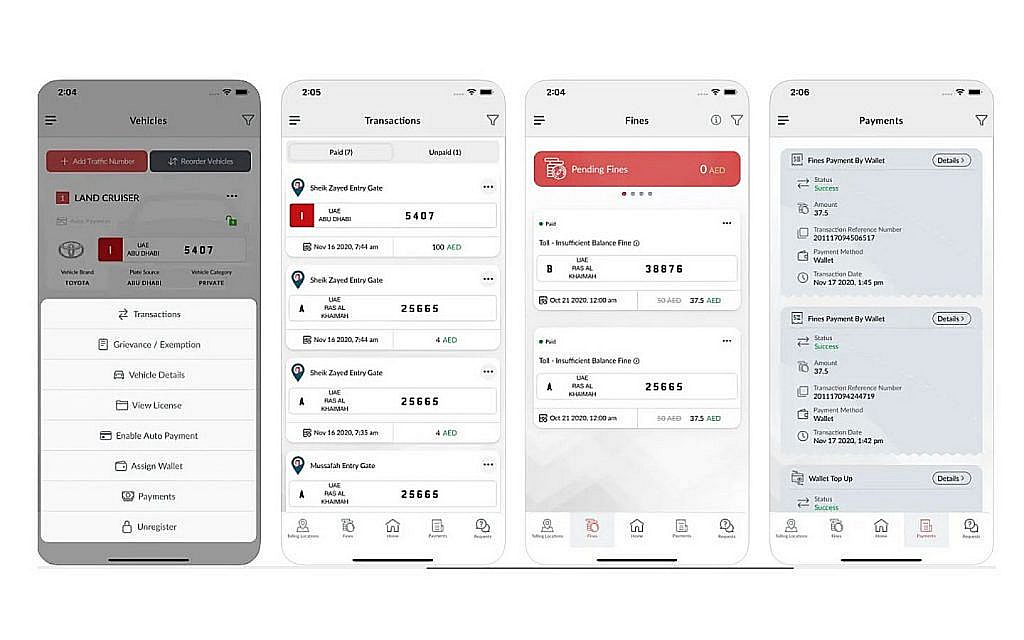
3. MAWAQiF Rechargeable Card
The MAWAQiF Rechargeable Card offers a quick and cashless way to pay at kiosks, multi-storey car parks, and airport parking.
- Insert your MAWAQiF card into the payment machine.
- Select the parking type and desired duration.
- Confirm the payment and collect the receipt.
4. SMS Payment via Mobile Phone
SMS payment is one of the most convenient methods for on-the-go motorists. Ensure you have at least AED 15 in mobile credit before proceeding.
Format: [City Code][Plate Number] [Parking Type] [Hours] and send to 3009.
Example: For an Abu Dhabi plate AUH10000 parked in a standard zone for 1 hour, send: AUH10000 S 1.
5. On-Street Payment Machines (Kiosks)
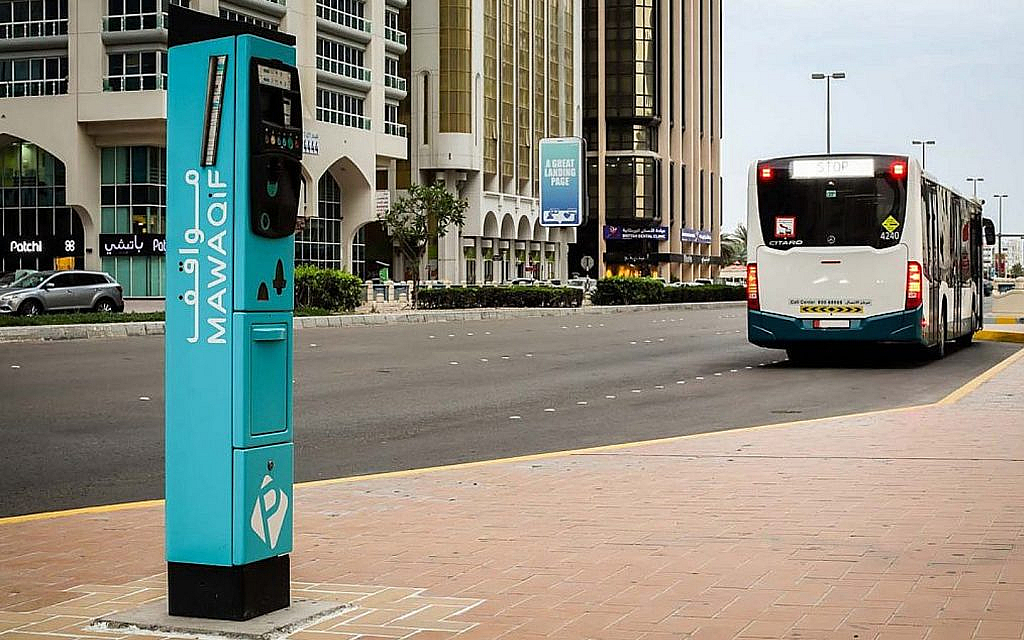
MAWAQiF kiosks are located in all major public parking areas. They accept both cash and cards.
- Press the silver button under the screen.
- Select your preferred language (English or Arabic).
- Enter vehicle details and plate information.
- Select parking type and duration.
- Pay by cash or card.
- Collect the receipt and display it on your dashboard.
6. TAMM Mobile App and Website
The TAMM Abu Dhabi app and website allow you to manage multiple government services, including MAWAQiF parking payments.
- Log in to the TAMM app or website.
- Go to “My TAMM” → “Pay for Parking.”
- Enter vehicle details and choose parking type, duration, and payment method.
- Complete payment and receive confirmation.
What Happens if You Don’t Pay MAWAQiF Fees?
Failure to pay MAWAQiF parking fees can result in fines starting from AED 200, and in severe cases, vehicle impoundment. Always make sure to pay your fees promptly to avoid penalties.
How to Dispute a Parking Fine in Abu Dhabi
If you believe a fine was issued in error, you can file an online grievance within 60 days of its issuance—provided the fine has not already been paid during the discount period. Include proof such as receipts or photos to support your claim.
FAQs
Is there a mobile app for MAWAQiF payments?
Yes. The DARB and TAMM apps both allow you to pay for MAWAQiF parking in Abu Dhabi.
Can I use one parking permit for multiple cars?
No. Each MAWAQiF parking permit is linked to one specific vehicle.
Do I need a new permit if I buy another car?
Yes. Whether you buy a used car in Abu Dhabi or a new car in Abu Dhabi, you will need to apply for a separate permit.
Final Tips for Hassle-Free Parking in Abu Dhabi
- Always check the signage for zone type before parking.
- Keep your MAWAQiF account or app wallet topped up.
- Use SMS or app payments if you’re short on time.
- Save receipts in case you need to dispute a fine.